
GMKtec M3 Mini PC
4.4Editor score
Core i5-12450H CPU
1TB NVMe SSD
Dual 2.5G LAN
This guide compares the top Intel Core i5 Mini PC models of October 2026, evaluating performance, connectivity, and value to help you choose the right compact
The Intel Core i5 Mini PC offers powerful computing in a tiny package. These devices balance performance and space efficiency, making them ideal for offices and home setups. Modern models support multiple displays and fast storage for smooth workflows.
We compared ten real products based on processor speed, RAM, storage, and connectivity. Each model brings unique strengths for business or creative tasks. Our list covers the latest 13th and 14th Gen options alongside proven older designs.
Each pick highlights key specs and use cases to guide your decision. Prices change frequently so check current listings before buying. These reviews reflect expert analysis of available data and user feedback for informed choices.
4.4Editor score

4.5Editor score

4.2Editor score
The following table provides a side-by-side comparison of all ten Intel Core i5 Mini PC models featured in this guide. We highlight key specifications like processor generation, memory type, and storage capacity to help you quickly identify the best fit for your specific requirements.
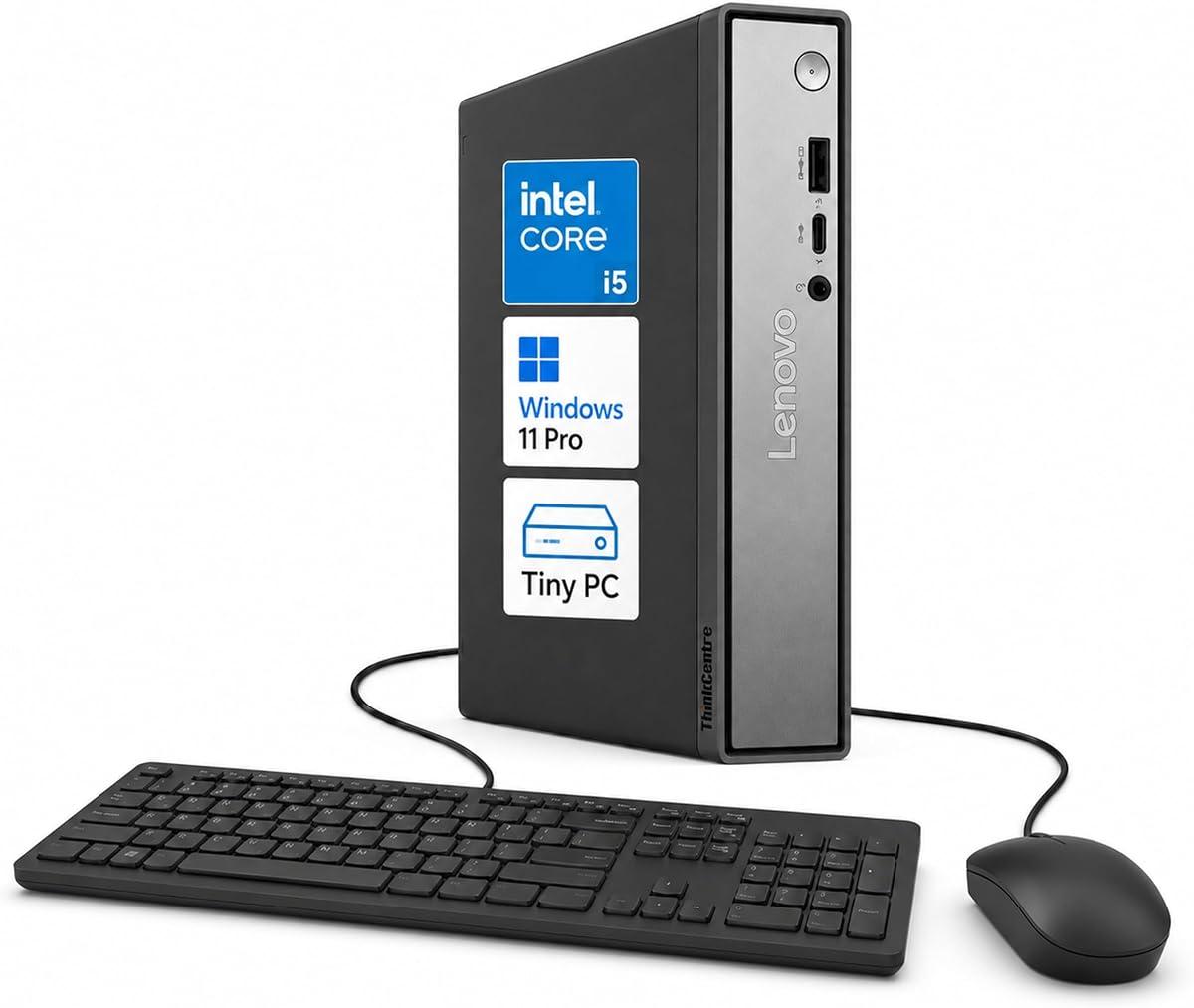


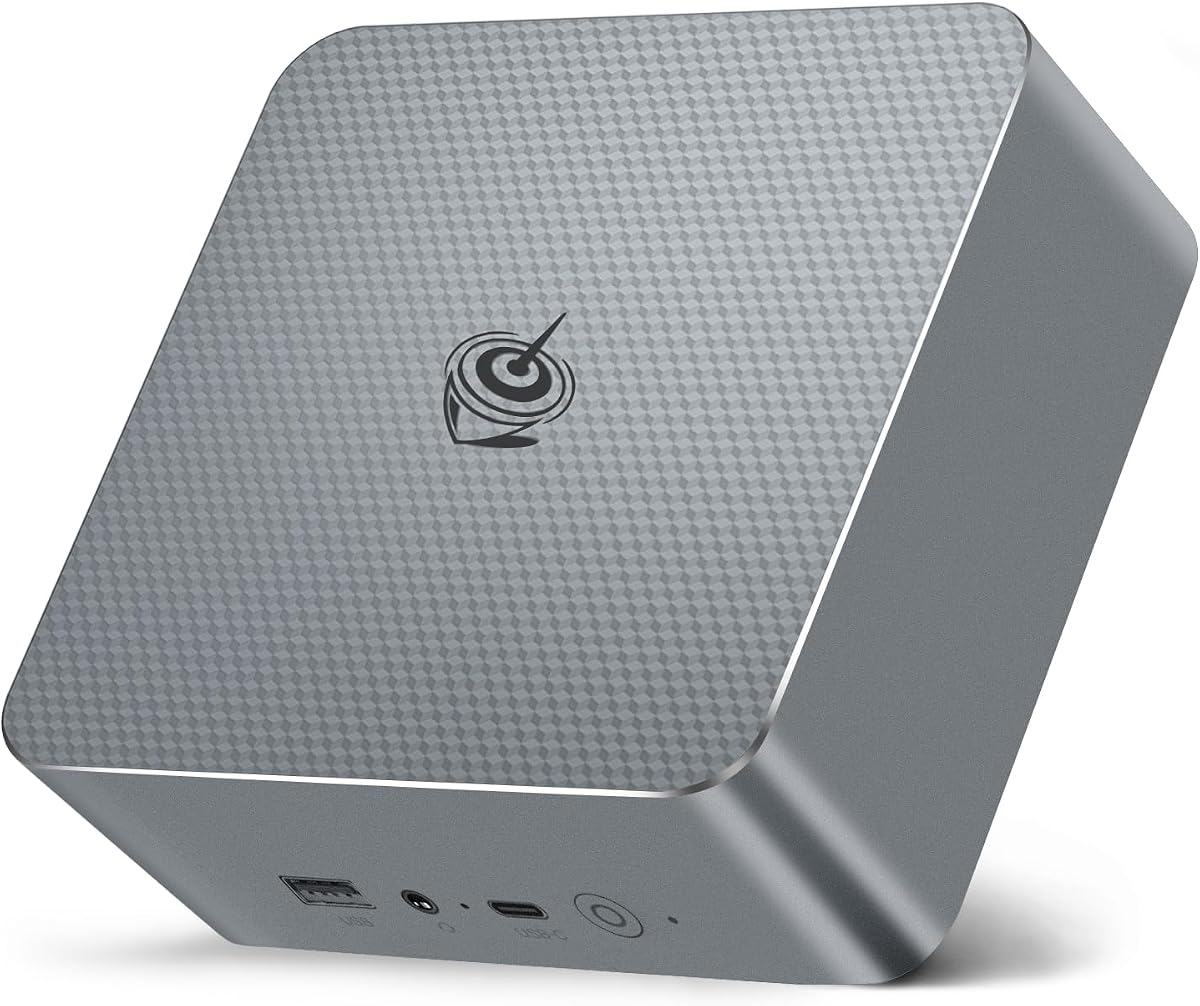

The ASUS NUC 13 pro stands out as a top-tier Intel Core i5 Mini PC for business and creative workflows. Rated 4.5 stars, it delivers strong performance with its 13th Gen i5-1340P processor and flexible connectivity options.
We may earn a commission when you buy through this link, at no additional cost to you.
Its 16GB DDR4 RAM and 512GB NVMe SSD handle multitasking efficiently. Thunderbolt 4 ports enable fast data transfer and dual 4K display support. The NUC Software Suite adds enterprise-grade manageability for remote control and system health checks.
While it carries a higher price than budget models, the build quality and reliability justify the cost. The requirement to remove memory and SSD before service is a minor inconvenience for warranty compliance.
Choose this model for professional environments needing robust performance and reliable business features. It is ideal for users who value enterprise support and modern connectivity standards like Thunderbolt 4.
The NUC Software Suite provides tools for remote PC remedy and unattended system control, ensuring minimal downtime for business users.
Dual HDMI 2.1 ports support 4K displays at 60Hz, enabling expansive workspace configurations for productivity.
We may earn a commission when you buy through this link, at no additional cost to you.
The Lenovo ThinkCentre Neo 50q Gen 5 excels in multi-monitor productivity with support for up to three independent displays. Its 5.0 rating reflects high user satisfaction with its responsive performance and versatile setup options.
We may earn a commission when you buy through this link, at no additional cost to you.
Powered by the 13th Gen i5-13420H, it handles office tasks and AI tools efficiently. The 1L chassis fits any workspace while DDR5 memory ensures smooth data access. Front and rear USB ports offer convenient peripheral access.
Trade-offs include varying storage configurations depending on the model selected. Users should verify exact RAM and SSD specs before purchasing to meet specific needs.
This mini PC is perfect for users needing multiple screens for workflow management. Its compact size and powerful internals make it suitable for modern office environments.
Connect up to three displays using dual DisplayPorts and one HDMI output for an expansive workspace.
TPM 2.0 and Kensington Security Slot features help protect business data and equipment from theft.
We may earn a commission when you buy through this link, at no additional cost to you.
The MINISFORUM NAB5R targets power users with dual 2.5Gb Ethernet ports ideal for firewalls or network storage. Its 4.5 rating confirms reliability for demanding tasks. The 13th Gen i5-13500H provides strong multi-core performance.
We may earn a commission when you buy through this link, at no additional cost to you.
It supports up to four 4K monitors for massive workspace setups. The 16GB DDR4 RAM and 512GB SSD can be upgraded significantly. Windows 11 IoT offers stable long-term support for specialized deployments.
Some users may need to adjust settings for optimal use with IoT OS. Technical knowledge helps maximize the networking and display features effectively.
Buy this model for advanced networking needs or extensive multi-monitor setups. It fits IT professionals requiring robust connectivity and stability.
Dual 2.5Gb Ethernet ports enable link aggregation or dedicated network connections for improved throughput.
Support for up to 4TB storage via two drives ensures ample space for large data sets.
We may earn a commission when you buy through this link, at no additional cost to you.
This HP Mini PC delivers reliable business performance with its Intel Q370 chipset and 6-core i5 processor. Rated 4.3, it ensures smooth multitasking and stable workflows for office applications. The ultra-compact design fits seamlessly into any workspace.
We may earn a commission when you buy through this link, at no additional cost to you.
With 16GB DDR4 RAM and fast SSD boot times, productivity remains uninterrupted. Dual DisplayPorts allow for dual monitor setups. Front USB-C and rear ports provide versatile connectivity options for various peripherals.
The 256GB storage may fill quickly for large file users. Upgrading storage later adds flexibility but requires initial budget consideration.
Choose this model for professional settings where reliability matters most. Its solid construction and business features suit corporate environments.
The Q370 chipset ensures enterprise-level stability for mission-critical tasks and smooth performance.
Front USB-C and multiple USB 3.1 ports support easy connection of modern devices.
We may earn a commission when you buy through this link, at no additional cost to you.
The GMKtec M3 Mini PC offers incredible value with a 1TB SSD and dual 2.5G LAN. Rated 4.4, it balances cost and performance well for home and light business use. The 12th Gen i5 provides sufficient power for daily tasks.
We may earn a commission when you buy through this link, at no additional cost to you.
Its 16GB RAM handles multitasking smoothly. Triple 4K display support enhances productivity. The compact design with built-in VESA mount simplifies setup. WiFi 6 and Bluetooth 5.2 ensure stable wireless connections.
The 1-year warranty is shorter than premium brands. Users should consider backup plans for long-term support needs.
Buy this model for budget-conscious users needing ample storage and modern connectivity. It suits home offices and media centers.
The 1TB M.2 SSD provides ample space for files and applications without immediate upgrades.
Dual 2.5Gbps LAN allows for fast file transfers and reliable network connections.
We may earn a commission when you buy through this link, at no additional cost to you.
The Lenovo ThinkCentre Tiny M70q features the latest 14th Gen i5-14400T with DDR5 RAM for future-proof performance. Rated 4.2, it delivers energy-efficient computing with business-grade security. The 3-year warranty provides peace of mind.
We may earn a commission when you buy through this link, at no additional cost to you.
Its compact design fits anywhere while maintaining robust power. WiFi 6 and Bluetooth 5.1 ensure connectivity. Windows 11 Pro supports enterprise AI tools for productivity enhancements. The processor beats older i7 options in efficiency.
The premium price may deter casual users. Energy-efficient T5 design limits max burst speed compared to higher power models.
Choose this for modern business needs requiring latest tech. It suits organizations prioritizing longevity and support.
DDR5 memory offers faster data access and improved power efficiency over DDR4 alternatives.
Integrated security features protect sensitive data and equipment in business environments.
We may earn a commission when you buy through this link, at no additional cost to you.
The KAMRUI Hyper H2 uses a high-performance 14th Gen i5-14500HX for desktop-like power. Rated 4.5, it handles resource-heavy software with ease. The 14 cores and 20 threads ensure rapid multitasking for demanding workloads.
We may earn a commission when you buy through this link, at no additional cost to you.
Its dual-fan cooling keeps temperatures stable. Triple 4K outputs support extensive workflows. Multiple USB ports provide versatile peripheral options. The industrial reliability makes it suitable for 24/7 use.
DDR4 RAM limits top-tier performance compared to newer DDR5. Thermal management requires adequate airflow for best results.
Buy this for power users needing maximum processing within a compact frame. It fits creative pros requiring speed and stability.
The HX processor delivers desktop-class speeds in a small chassis for demanding tasks.
Premium dual-fan cooling prevents thermal throttling under sustained heavy loads.
We may earn a commission when you buy through this link, at no additional cost to you.
The Intel NUC 13 Pro delivers excellent media performance with 8K and 4K@120Hz output. Rated 4.6, it offers premium connectivity and reliability. Its small size fits under TVs easily without bulk.
We may earn a commission when you buy through this link, at no additional cost to you.
Thunderbolt 4 enables fast data and display connections. The 13th Gen i5 handles media tasks efficiently. Dual HDMI and Thunderbolt ports support up to four monitors. WiFi 6E ensures fast wireless performance.
The cost is higher than basic mini PCs. Power adapter use requires managing cables for clean setups.
Select this for home theater or creative use needing high-resolution outputs. It suits users valuing compact design and modern tech.
Support for 8K at 60Hz allows for ultra high-definition media playback and editing.
Internal slots allow 2.5-inch SSD upgrades for additional storage capacity.
We may earn a commission when you buy through this link, at no additional cost to you.
The Beelink EQI13 impresses with built-in power supply and compact size for easy transport. Rated 4.5, it offers reliable performance with 13th Gen i5. Its light weight makes moving simple for travelers.
We may earn a commission when you buy through this link, at no additional cost to you.
16GB RAM handles daily tasks. Dual 2.5G LAN and WiFi 6 provide fast networking. The cooling system ensures quiet operation at 32dB. VESA mount and HDMI support dual screens.
The fixed power supply prevents standard cable use. Storage capacity may need upgrades for large media libraries.
Buy this for mobile setups or tight desk spaces. It suits users needing a tidy, portable workstation.
Built-in 85W power supply eliminates external adapters for a cleaner desktop setup.
Lifetime technical support ensures ongoing assistance for setup and troubleshooting needs.
We may earn a commission when you buy through this link, at no additional cost to you.
This renewed HP EliteDesk 800 G4 offers entry-level value with solid business reliability. Rated 4.0, it handles basic tasks well at a low price. The compact chassis saves desk space efficiently.
We may earn a commission when you buy through this link, at no additional cost to you.
16GB RAM supports multitasking for office use. Dual monitor outputs aid productivity. Professional testing ensures performance like new. Windows 11 pre-installation simplifies setup.
Older 8th Gen CPU limits future software compatibility. Cosmetic wear may appear on renewed units.
Choose this for tight budgets needing essential computing. It suits light users or temporary office setups.
Renewed quality ensures reliable function at an affordable cost for entry users.
Business-grade chassis provides durable construction for daily professional use.
We may earn a commission when you buy through this link, at no additional cost to you.
Selecting the right Intel Core i5 Mini PC requires understanding your specific needs and budget constraints.
Newer generations like 13th and 14th offer better efficiency and performance over older models. Look for suffixes like P or H to determine power and thermal profiles for your environment.
Prioritize 13th Gen or newer for future software support and improved multitasking.
16GB RAM is standard but consider expandability up to 64GB if you run multiple applications. DDR5 memory in newer models provides faster data throughput than DDR4 alternatives.
Ensure slots allow upgrades if you plan to grow your system capabilities later.
NVMe SSDs are essential for fast boot times and application loading. Aim for 512GB or more depending on file storage needs since mini PCs often lack internal bays.
Check for available M.2 slots to expand storage if the base model is insufficient.
Multiple HDMI and DisplayPorts allow for multi-monitor setups that boost productivity. Thunderbolt 4 enables high-speed data transfer and daisy-chaining displays.
Verify the number of supported displays matches your workspace requirements before purchasing.
Gigabit Ethernet is standard but dual 2.5G LAN adds value for networking enthusiasts or NAS use. WiFi 6E provides fast wireless connectivity for flexible placement.
Prioritize models with Ethernet options if wired reliability is crucial for your work.
Tiny form factors fit tight spaces but thermal performance varies by chassis design. VESA mounting options allow attaching the unit behind a monitor for clean setups.
Choose a size that matches your desk or shelf space availability.
Standard warranties range from 1 to 3 years. Business models often include better support options and hardware replaceability for long-term maintenance.
Look for brands with reliable customer service for hassle-free repair processes.
Windows 11 Pro offers enhanced security tools suitable for enterprise use. IoT versions may provide long-term stability for specialized deployments.
Ensure the OS version matches your software and security requirements.
Place the Mini PC in a well-ventilated area to prevent overheating. Ensure at least three inches of clearance around intake and exhaust vents.
Regularly clean dust from vents using compressed air to maintain optimal cooling. Avoid direct sunlight which increases internal temperatures.
Update drivers and BIOS from manufacturer websites for best performance. Schedule regular system restarts to clear temporary files.
Yes, modern i5 Mini PCs with 13th Gen or newer processors handle 1080p editing smoothly. For 4K footage, ensure at least 16GB RAM and fast SSD storage for optimal performance.
Most models allow RAM and SSD upgrades via accessible slots. Verify maximum supported capacity and specific SSD dimensions before purchasing additional components.
A Mini PC typically lasts 5 to 7 years with proper care. Regular cleaning and software updates help extend usability beyond average expectations.
Yes, most support two to four displays via HDMI, DisplayPort, or Thunderbolt. Check specific port counts to match your display setup needs.
Entry gaming titles run well on integrated graphics. For AAA gaming, consider models with dedicated GPU support or external GPU enclosures if available.
Most operate quietly under normal loads, typically below 40dB. Under heavy CPU usage, fans may increase speed but generally remain unobtrusive.
Our top picks highlight the ASUS NUC 13 pro for overall performance, GMKtec M3 for budget, and Lenovo ThinkCentre M70q for premium business use.
Prioritize processor generation and memory expandability to future-proof your purchase. Connectivity options like Thunderbolt 4 add significant value for demanding users.
Prices vary frequently so verify current deals before buying. These models offer excellent value for compact computing needs across home and business settings.