
8-in-1 External Blu-ray Drive
4.2Editor score
Includes USB hub functionality
Compatible with Windows and Mac
Ultra-slim and portable design
Compare the top external Blu Ray drives for 2026. We review speed, compatibility, portability, and features to help you find the best optical drive for your
External Blu Ray drives remain essential for accessing physical media, installing software, and backing up data on modern laptops that lack built-in optical drives. Choosing the right model depends on your specific needs for playback, burning capabilities, and connection types like USB-C or USB-A.
We evaluated ten leading external Blu Ray drives based on their read and write speeds, disc format compatibility, build quality, and overall value. Our analysis focuses on how well these devices perform with both Windows and macOS systems while offering reliable portability for users on the go.
Each pick below highlights key strengths and potential limitations to help you make an informed decision. Prices and availability are subject to change, so verify the latest details on the product pages before making your final purchase decision today.
4.2Editor score

4.7Editor score

4.2Editor score
This comparison table outlines the key specifications of the top ten external Blu Ray drives to help you quickly identify the right model for your setup.


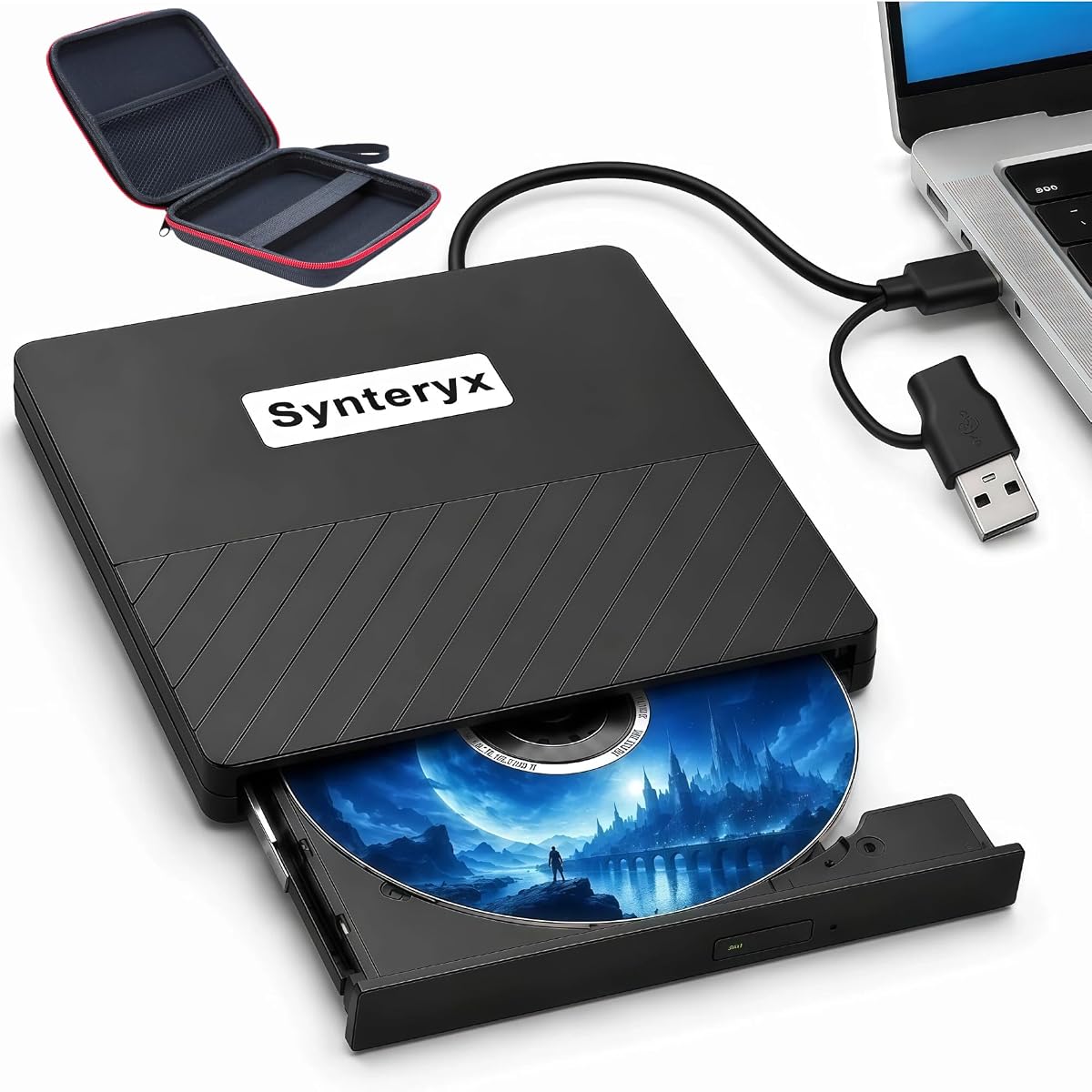

This portable external drive earns our top spot with a 4.7-star rating. It offers reliable reading and writing for BD, DVD, and CD formats. The drive is built in Japan and supports M-DISC for long-term data retention.
We may earn a commission when you buy through this link, at no additional cost to you.
It features USB 3.2 Gen 1 connectivity with both Type-A and Type-C adapters. This ensures compatibility with older and newer laptops alike. The ultra-slim design makes it easy to carry in a laptop bag.
The trade-off is a higher price compared to other models. However, the TAA compliance and two-year warranty justify the investment for professionals who need consistent performance.
If you require a dependable drive for daily use with strong support options this model stands out as a clear leader in its category.
The M-DISC support allows recordings to last up to 1000 years against temperature and humidity.
Includes both Type-A and Type-C adapters for broad compatibility across different laptops and desktops.
We may earn a commission when you buy through this link, at no additional cost to you.
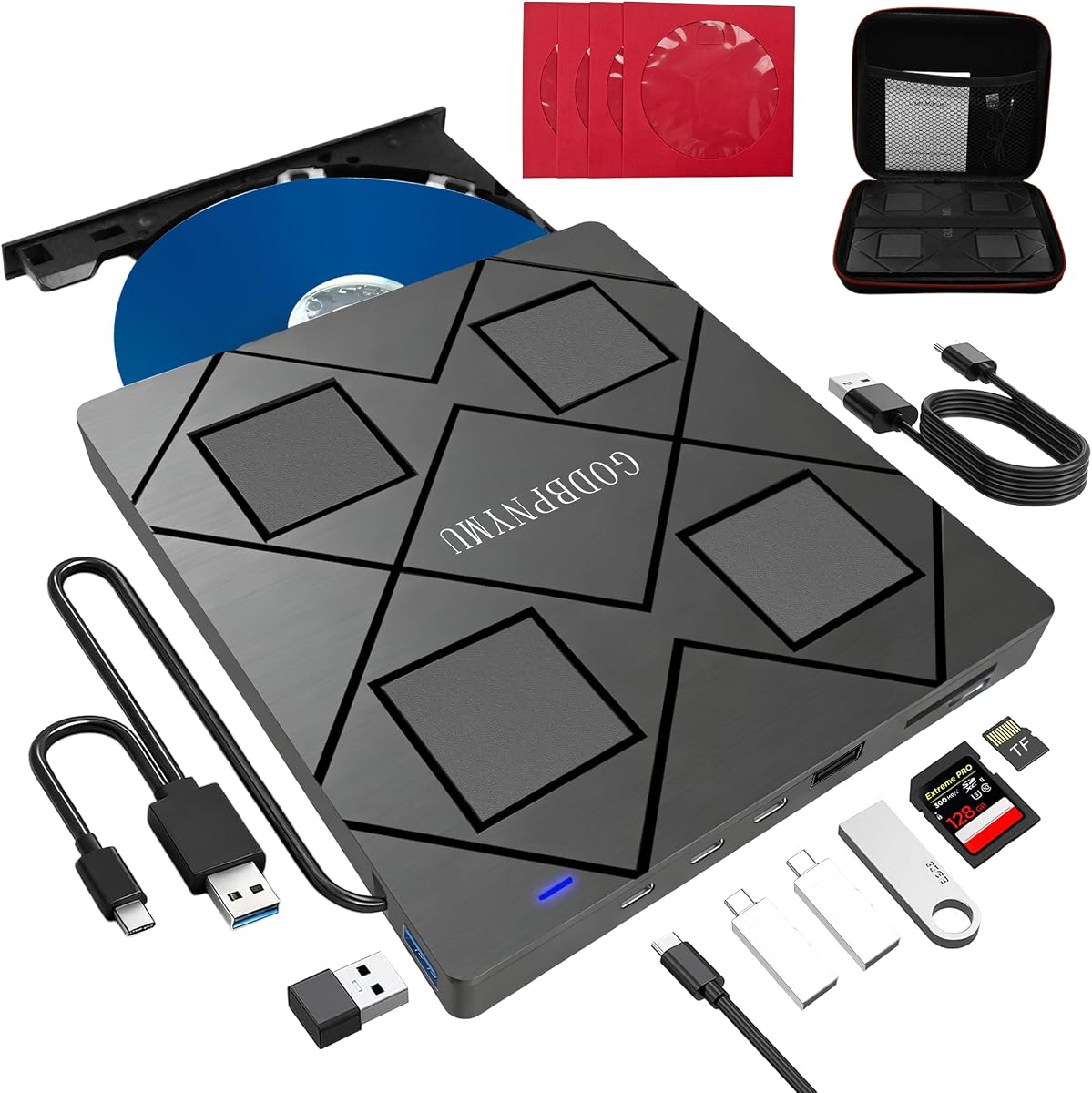
This 8-in-1 drive is a great budget option with a 4.2-star rating. It supports BD, DVD, and CD formats and includes a USB hub. The package comes with a carrying case and CD sleeves.
We may earn a commission when you buy through this link, at no additional cost to you.
The hub adds two USB-C ports and one USB-A port. This is useful for laptops with limited ports. It also supports SD and TF card slots for photo transfers.
While it does not support 4K playback, it handles standard Blu-ray discs well. This makes it ideal for users who do not need ultra-high-definition playback.
This drive is perfect for students or travelers needing a versatile and affordable optical solution with extra connectivity.
Built-in USB hub ports allow simultaneous connection of multiple devices without needing extra hardware.
Comes with a carrying case and protective sleeves to keep discs and cables organized during transit.
We may earn a commission when you buy through this link, at no additional cost to you.
This premium drive offers UHD 4K playback support with a 4.2-star rating. It features a CNC aluminum body and reads and writes standard Blu-ray and DVDs. It requires CyberLink PowerDVD for UHD playback.
We may earn a commission when you buy through this link, at no additional cost to you.
The aluminum chassis provides durability and heat dissipation. It is designed to look sleek on desktop setups. For Windows users, it supports UHD Blu-ray with the correct software.
Mac users can only play and write standard Blu-ray discs with this model. UHD playback is currently unsupported on Mac computers with this drive. This is a limitation to consider before purchasing.
This model is best for Windows users wanting high-quality UHD playback and a premium build aesthetic.
The CNC aluminum body offers a durable and sleek design suitable for professional desktop environments.
Users must purchase and install CyberLink PowerDVD to enable UHD Blu-ray playback on compatible systems.
We may earn a commission when you buy through this link, at no additional cost to you.
This drive is rated 4.2 stars and combines a Blu-ray burner with a USB hub. It supports BD DVD and CD formats including BD-R up to 50GB. It includes a built-in USB hub with four ports.
We may earn a commission when you buy through this link, at no additional cost to you.
The dual interface cable allows connection via USB-A or USB-C. This flexibility makes it easy to use with modern and older devices. The slim design is easy to carry in a bag.
While it offers great features, the SD and TF card slots cannot be read simultaneously. This is a minor limitation for users transferring photos from multiple cards.
It is an excellent choice for users needing both optical drive functionality and extra USB ports in one compact device.
The built-in hub provides additional USB-A and USB-C ports to expand connectivity options significantly.
The ultra-slim design allows for easy storage in laptop bags and travel cases.
We may earn a commission when you buy through this link, at no additional cost to you.
This drive is rated 3.8 stars and offers a budget-friendly solution for reading discs. It reads BD DVD and CD with fast speeds. It connects via USB 3.0 or Type-C for broad compatibility.
We may earn a commission when you buy through this link, at no additional cost to you.
It supports playback of standard DVDs and CDs effortlessly. Users should note that it can read but not burn Blu-ray discs. This limits it to playback and CD/DVD burning only.
The lightweight design makes it ideal for travelers who primarily need to watch movies. It is less suitable for creating backups on Blu-ray media due to the lack of burning support.
If you only need to watch physical media this affordable reader provides a simple and portable solution for your needs.
Users should verify their needs as this drive cannot burn or write data to Blu-ray discs.
No complex drivers are needed to start using the drive with Windows, Mac, or Linux systems.
We may earn a commission when you buy through this link, at no additional cost to you.
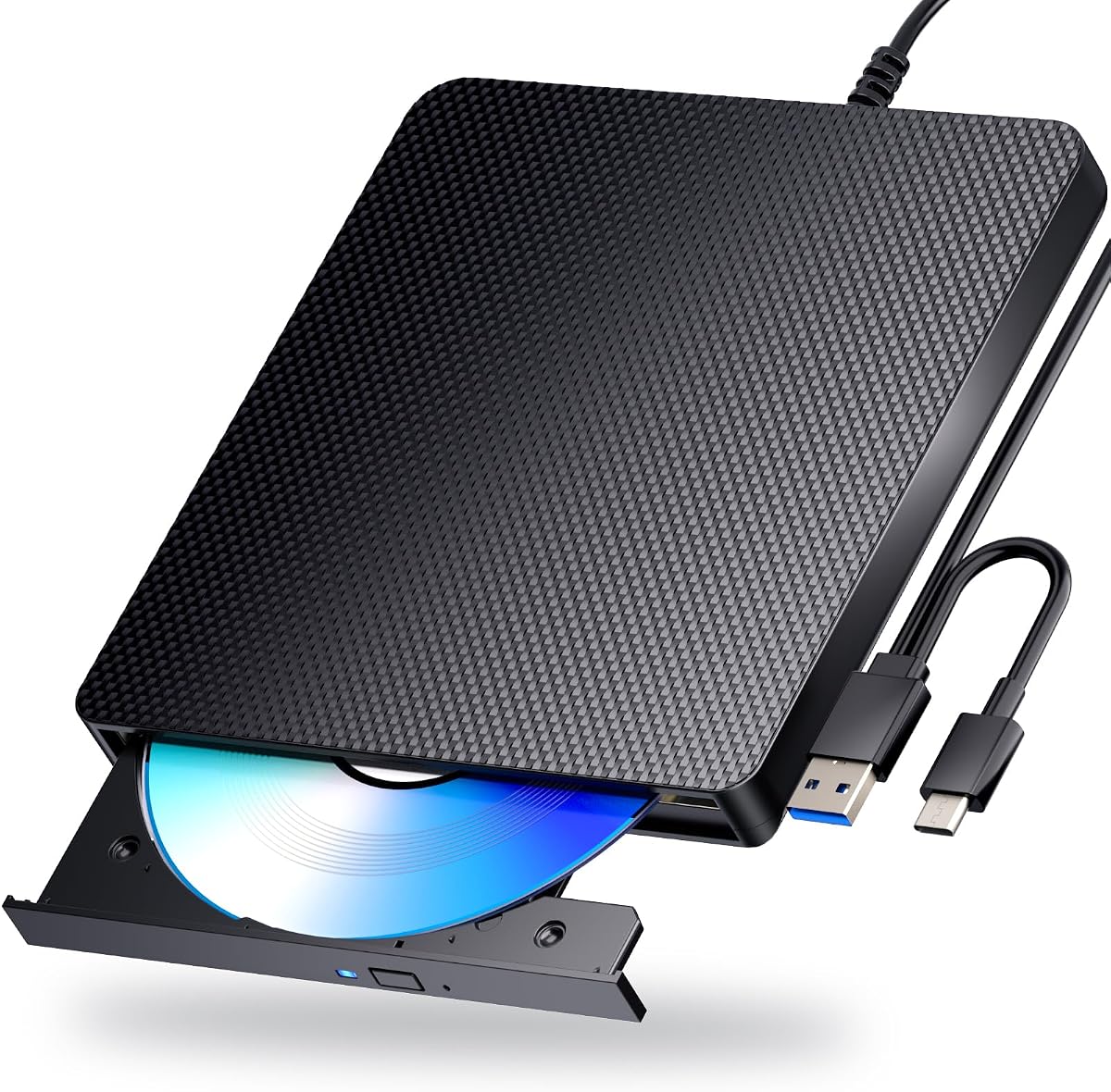
This drive holds a 4.0-star rating and supports 3D Blu-ray playback. It connects via USB and requires professional 3rd-party software for movie playback. It comes with an anti-skid matte finish.
We may earn a commission when you buy through this link, at no additional cost to you.
It functions as a CD/DVD burner as well. The anti-skid rubber feet help keep the drive secure on desks during operation. Users should connect to the back USB ports on desktops for stability.
The requirement for third-party software means extra setup is needed. However, the 3D playback capability offers a unique entertainment feature for movie lovers.
This model is a solid choice for users seeking 3D Blu-ray support and a reliable design for daily use.
The drive supports reading 3D Blu-ray discs for an immersive high-definition entertainment experience.
Anti-skid rubber feet and anti power adapter ensure the drive remains stable and powered during use.
We may earn a commission when you buy through this link, at no additional cost to you.
This drive has a 3.9-star rating and features a dual USB power design. This ensures stable power supply for smooth disc reading and writing. It works with Windows, macOS, and Linux systems.
We may earn a commission when you buy through this link, at no additional cost to you.
It supports BD-R 500MB and DVDs up to 8.5GB. The USB 3.0 interface offers high-speed data transfer. Low noise and low power consumption make it efficient for extended use.
While it supports many devices, playback software must be purchased separately. This is a common requirement for external Blu-ray drives but adds to the setup process.
Choose this drive if you need a reliable power connection and compatibility across multiple operating systems.
An additional USB power cable ensures stable operation even when laptop power is insufficient.
USB 3.0 provides fast bandwidth for efficient reading and burning of large media files.
We may earn a commission when you buy through this link, at no additional cost to you.
This drive is rated 4.7 stars and supports 3D Blu-ray playback. It connects via USB-A and Type-C for broad compatibility. The package includes an anti-skid matte finish and rubber feet.
We may earn a commission when you buy through this link, at no additional cost to you.
It supports BD-R and CD-RW formats for versatile use. Users may need to purchase 3rd-party software for movie playback. Connecting to the back USB ports on desktops is recommended.
While the power adapter might be needed for stability, the high rating suggests reliable performance. It is a great choice for users wanting a dependable optical drive.
For consistent performance and wide system support this model is a strong contender for your needs.
Designed to work seamlessly with Windows, macOS, and Linux systems out of the box.
The scratch-resistant matte finish and rubber feet ensure the drive stays secure on any desk.
We may earn a commission when you buy through this link, at no additional cost to you.
This drive has a 4.2-star rating and is a 5-in-1 drive with USB and SD/TF slots. It connects via USB 3.0 or Type-C without drivers. The slim design makes it easy to carry.
We may earn a commission when you buy through this link, at no additional cost to you.
It supports reading and burning BD, DVD, and CD formats. The USB and card slots allow file transfers between your computer and storage devices. This increases its utility beyond just optical playback.
It does not play 4K Ultra HD Discs. Users should verify their needs for high-resolution playback before purchasing. Otherwise it offers great value for standard media needs.
This drive is ideal for users needing a compact optical drive with extra card reader functionality.
Combines optical drive, USB hub, and card reader features into one slim device for maximum utility.
The lightweight and thin profile allows for easy organization in bags and cases during travel.
We may earn a commission when you buy through this link, at no additional cost to you.
This drive holds a perfect 5-star rating. It features a dual USB power design for stable reading and writing. It is compatible with Windows, macOS, and Linux systems.
We may earn a commission when you buy through this link, at no additional cost to you.
It supports BD-R 100GB and DVD formats. The USB 3.0 interface offers fast bandwidth. It includes strong error correction for reliable data handling.
Users need to purchase playback software separately. This is a standard requirement for most drives. The perfect rating suggests high customer satisfaction.
For a highly-rated option with robust power and compatibility this drive is a strong final pick.
Includes an additional USB power cable to ensure smooth operation even when power is low.
Works seamlessly with Linux in addition to Windows and macOS for maximum user flexibility.
We may earn a commission when you buy through this link, at no additional cost to you.
Choosing an external Blu Ray drive requires checking key factors like speed, compatibility, and build quality. This guide outlines what to look for to ensure you get a model that fits your workflow.
External Blu Ray drives typically offer read speeds up to 6x and DVD speeds up to 8x. Higher speeds mean faster loading times for movies and quicker data backups. Always check the listed speeds in the product specifications to ensure they meet your performance expectations.
Look for drives with 6x read and write speeds for the best balance of performance and cost.
Most drives support BD DVD and CD formats. Some high-end models support UHD 4K playback while others do not. Check if the drive supports BD-R DL or BD-XL for larger storage capacity needs. This ensures the drive can handle your specific discs.
Ensure the drive supports the disc formats you plan to use regularly.
Modern laptops often lack USB-A ports so USB-C support is crucial. Look for drives that offer both USB-A and Type-C connectors or include adapters. Dual interfaces ensure you can connect to any device without extra dongles.
Verify the drive comes with the necessary adapters for your specific ports.
Some drives require more power than a single USB port can provide. Models with dual USB power inputs are more reliable on laptops with limited power. Connecting to a powered hub or using the included power adapter prevents read errors.
Check if the drive includes an extra USB power cable for stability.
Many drives do not come with built-in playback software. You may need to purchase third-party apps like PowerDVD or Leawo to play Blu-rays. Ensure your system meets the software requirements for UHD playback if that is your goal.
Account for the cost and setup time of external software when budgeting.
If you travel often, weight and size matter. Slim drives under 1 pound are easier to carry. Check if the product includes a carrying case and protective sleeves for your discs. This protects your investment from scratches during transit.
Select an ultra-slim design if you need to carry the drive frequently.
Most drives work with Windows and macOS but some may have limitations on macOS for UHD playback. Check the manufacturer compatibility list to confirm support for your version of Linux or Chrome OS. This avoids driver issues after purchase.
Verify the manufacturer lists your OS as supported for optimal performance.
A longer warranty period indicates manufacturer confidence. Look for models with at least a two-year warranty and US-based support. This ensures you can get help quickly if the drive fails unexpectedly.
Prioritize brands that offer clear warranty terms and responsive customer service.
Always connect the drive to a USB 3.0 or Type-C port for best performance. If the drive does not spin up reliably use the included power adapter or plug into a powered hub to ensure stable operation.
Keep discs clean and handle them by the edges to prevent scratches. If you are using a drive without a power adapter for desktop computers connect to the rear USB ports on the motherboard for stable current.
Store the drive in a padded case when not in use to avoid physical damage. Regularly check for firmware updates on the manufacturer website to ensure compatibility with new disc formats.
No, only specific drives support 4K playback. Most drives are limited to standard 1080p Blu-rays. You must check the product specifications for UHD 4K support and have compatible software like PowerDVD to play these discs.
Most drives work with Mac computers for standard Blu-ray, DVD, and CD playback. However, UHD 4K playback is often not supported on macOS. Ensure the drive lists macOS compatibility before purchasing.
This is often due to insufficient power from the USB port. Use the included dual USB power cable or connect to a powered USB hub. Laptops may also need to be plugged in for sufficient power.
Most drives are plug-and-play and do not require manual driver installation. They rely on the operating system's built-in drivers. You may need to install software for playback if not included.
No, some budget models are read-only for Blu-ray. Verify that the drive supports BD-R and BD-RE formats if you need to burn or backup data. Not all drives offer writing capabilities.
Windows and Mac often do not include native Blu-ray support. You may need to purchase third-party software like PowerDVD or Leawo. Check if your drive bundles any software before buying.
We found the BUFFALO 6X drive to be our top choice for reliability and support. The 8-in-1 option offers great value for budget-conscious buyers. The archgon Premium model stands out for those needing UHD playback capabilities.
When choosing a drive prioritize speed and connection type for your specific setup. A drive with USB-C support ensures future compatibility. Always verify software needs before making your final decision.
Prices and availability are subject to change. Check current product pages for the latest deals and ensure the drive matches your specific requirements before purchasing.