
KNAON Bluetooth Thermal Shipping Label Printer
4.4Editor score
Compact portable design
Bluetooth wireless connectivity
Compatible with major platforms
Find the best Fedex label printer for your business with our expert guide comparing top thermal models for speed, quality, and platform compatibility.
Choosing the right Fedex label printer is essential for small businesses and individuals who ship packages regularly. A reliable thermal printer ensures your shipping labels are crisp, scannable, and professional looking every time you prepare a shipment.
We have evaluated ten top rated models based on connectivity options, print quality, software compatibility, and ease of use. Our comparison covers direct thermal printers that work seamlessly with major shipping platforms including Fedex, UPS, and Amazon.
Each pick highlights specific strengths such as wireless capabilities, speed, or commercial grade durability. Remember that product availability and pricing can change, so verify details on the retailer page before making your final decision.
4.4Editor score
4.6Editor score

4.6Editor score
This side by side comparison lists all ten selected thermal printers with their key specifications to help you quickly identify the model that fits your shipping volume and budget requirements.





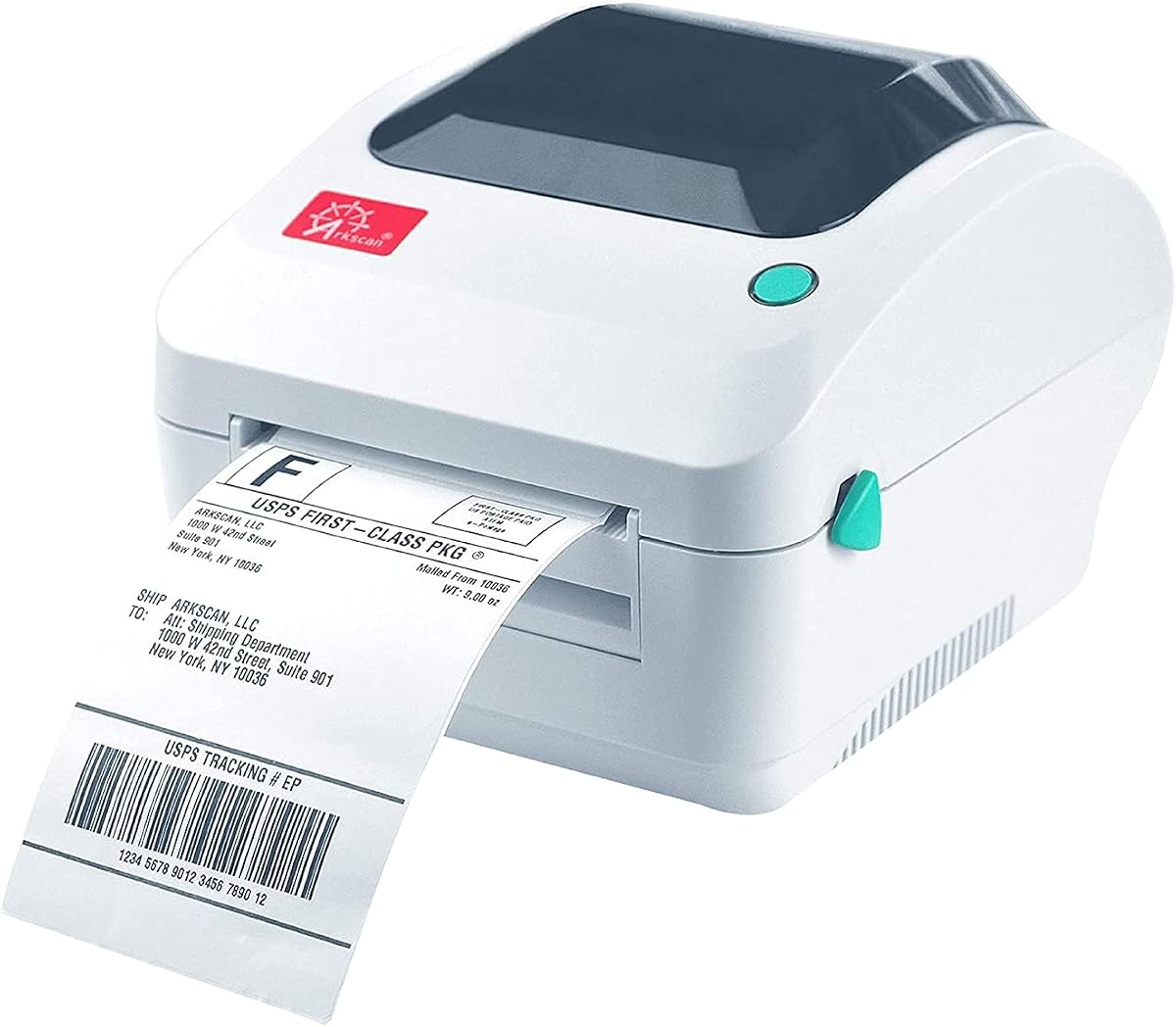
The Arkscan 2054A stands out as a top choice for businesses needing a reliable Fedex label printer. It earns a high rating for its versatility across Windows, Mac, and Android systems while delivering consistent thermal print quality.
We may earn a commission when you buy through this link, at no additional cost to you.
Its key strength lies in the extensive list of supported shipping platforms including Fedex, Amazon, and Shopify. The included BarTender software allows for custom label design without needing third party tools. The five inches per second speed ensures high volume tasks are completed quickly.
Users should note that this model lacks Bluetooth connectivity which may limit mobile printing scenarios. The setup process involves driver installation which might take a few minutes for new users. However the stability of a wired connection often outweighs this minor inconvenience.
This printer is ideal for small business owners who print labels daily and need robust support. The combination of speed, software inclusion, and platform support makes it a strong investment for growing operations.
It connects with nearly every major shipping service including Fedex, UPS, and Etsy for seamless label generation.
The BarTender UltraLite tool enables custom label creation for products and warehouses directly from the device.
We may earn a commission when you buy through this link, at no additional cost to you.
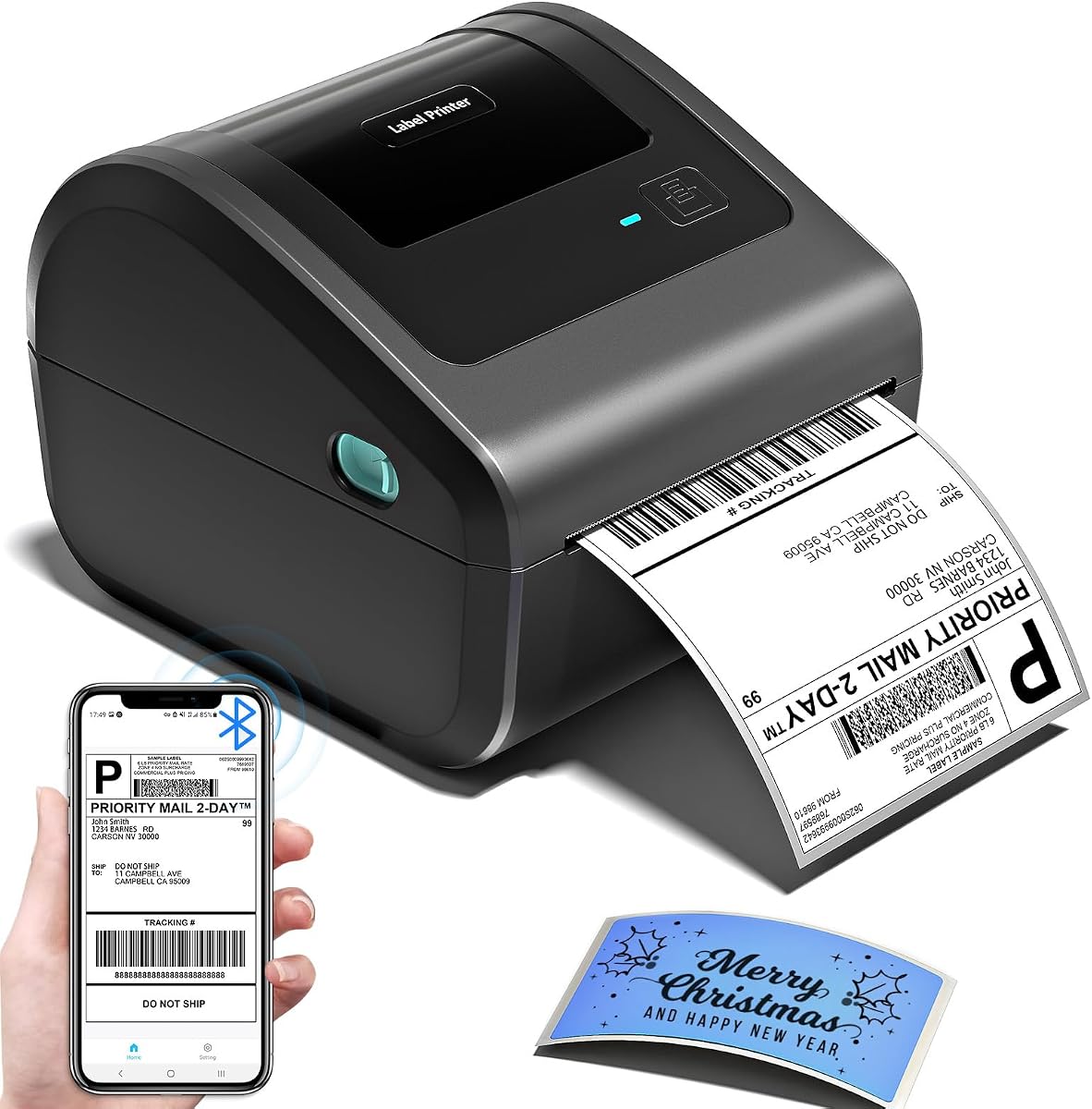
The KNAON Bluetooth thermal printer offers an entry level solution for those seeking a Fedex label printer without breaking the bank. Its compact form factor makes it easy to store in small workspaces or even travel with.
We may earn a commission when you buy through this link, at no additional cost to you.
It shines in mobile compatibility allowing iPhone and Android users to print via the FlashLabel Pro app. The speed is impressive for its size reaching up to 180 mm/s which handles occasional shipping needs well. The included USB drive simplifies driver setup on computers.
One trade-off is the reliance on the specific app for wireless functions which can be a limitation if you prefer native OS drivers. The build is lightweight which feels less durable than commercial units but adequate for light duty use.
This unit is perfect for occasional shippers or home based businesses starting out. The price point and mobile flexibility make it a smart choice for low volume needs.
Mobile users can connect directly to iPhone or Android devices through the dedicated FlashLabel Pro application.
Its small dimensions allow it to fit on crowded desks or in shipping kits for field work.
We may earn a commission when you buy through this link, at no additional cost to you.
The Rollo USB printer is widely recognized as a premium option for businesses requiring a robust Fedex label printer. Its commercial grade construction ensures it can handle continuous printing sessions without overheating or jamming.
We may earn a commission when you buy through this link, at no additional cost to you.
Performance is a major highlight with a steady output of one 4×6 label per second. The direct thermal technology eliminates ink costs and the print quality is sharp enough for all barcodes and addresses. The complimentary Rollo Ship app offers discounted shipping rates.
Users must rely on a wired USB connection which limits flexibility compared to wireless models. The initial cost is higher than budget options but the reliability and speed often justify the investment for active sellers.
This model is best suited for dedicated shipping stations in warehouses or offices. If you need a workhorse that rarely needs maintenance this is the ideal choice.
Built with heavy duty materials it withstands daily use in busy environments without performance degradation.
The included software provides access to exclusive shipping rates that can reduce overall logistics costs.
We may earn a commission when you buy through this link, at no additional cost to you.
This thermal printer is designed for small businesses needing efficiency during peak shipping hours. It delivers crisp 203 DPI resolution ensuring all Fedex barcodes are scannable. The dual connectivity allows you to choose between stable USB or flexible Bluetooth.
We may earn a commission when you buy through this link, at no additional cost to you.
The print speed of 150mm/s supports high volume workflows while the energy efficient design reduces power costs. Overheat protection ensures long run performance without interruptions. The included starter labels let you begin printing immediately upon unboxing.
While the design is functional rather than stylish it prioritizes performance on a desk. The app requirement for Bluetooth pairing adds a slight step to the process but is manageable for most users.
This is a solid choice for growing businesses that need reliable output. It balances cost with performance effectively for daily shipping operations.
Supports high volume printing up to 72 labels per minute to keep up with busy order cycles.
Seamlessly switches between Bluetooth for mobile devices and USB for stationary computer connections.
We may earn a commission when you buy through this link, at no additional cost to you.
This model features a unique built-in compartment that holds internal roll paper which is a great space saver. It is ideal for home offices where desk space is limited. The wireless printing capability allows you to print labels from your phone easily.
We may earn a commission when you buy through this link, at no additional cost to you.
The Japanese thermal print head ensures clear 203 DPI outputs which are perfect for shipping needs. Auto-alignment reduces paper waste which is crucial for maintaining margins. It works well for light to medium volume shipping tasks.
The internal roll capacity is somewhat limited compared to external spindles requiring frequent reloads. The build is lightweight and may not withstand heavy daily use over years but serves well for home use.
Ideal for individuals who need a tidy shipping station without external clutter. The storage feature makes it a top pick for small home offices.
The internal compartment holds up to 250 labels reducing the need for separate paper holders.
Uses half the space of traditional models to keep your desk organized and clutter free.
We may earn a commission when you buy through this link, at no additional cost to you.
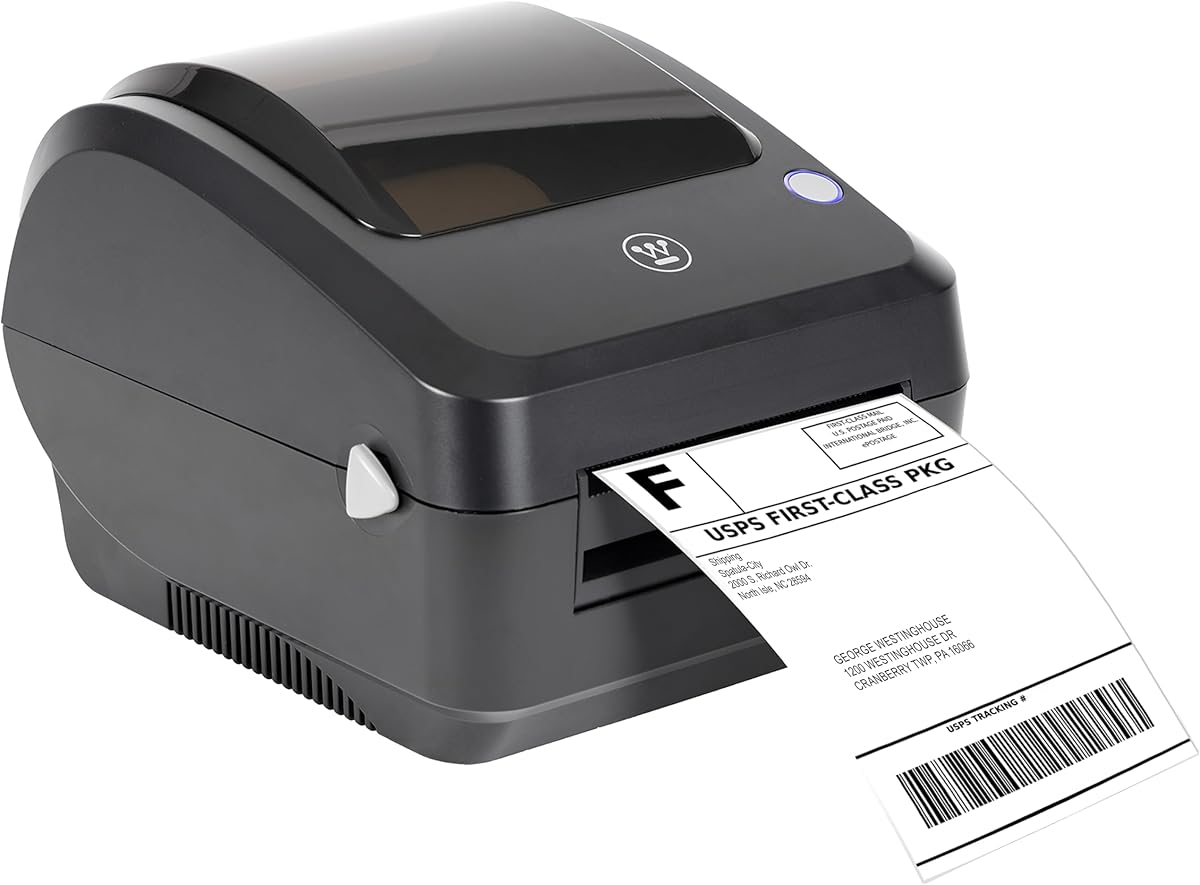
The Westinghouse USB printer is built for commercial environments where speed and stability are paramount. It offers Ethernet capability which allows for networked printing setups in larger offices. The six inches per second speed is among the fastest in this list.
We may earn a commission when you buy through this link, at no additional cost to you.
It supports ZPL software which is useful for advanced label customization and integration with enterprise systems. The commercial grade construction ensures it can handle daily demands without wear. Direct thermal technology keeps operating costs low.
The lack of Bluetooth limits mobile usage and the Ethernet cable must be purchased separately. This is strictly a desktop unit meant for fixed locations. However for stationary stations it offers excellent performance.
This is a great fit for warehouses or dedicated shipping departments. If you need a wired reliable solution for high volume this unit delivers.
Ethernet capability allows integration into existing office networks for centralized printing control.
Supports ZPL software for advanced users needing custom control over label formatting and data.
We may earn a commission when you buy through this link, at no additional cost to you.
The JADENS thermal printer combines high tech features with user friendly operation. It uses a Japanese high tech print head that produces clean 203 DPI labels. The dual connectivity ensures you can print from a computer or mobile device effortlessly.
We may earn a commission when you buy through this link, at no additional cost to you.
Setup is quick taking about one minute with provided drivers and videos. It supports a wide range of platforms like ShipStation and Amazon making it a versatile tool for multi channel sellers. The after-sale service is responsive via email or phone.
Mobile users must download the app to print via Bluetooth which adds a step. Calibration is needed when changing label sizes which ensures accuracy but requires attention. Overall it is a reliable machine for consistent output.
This is a strong option for e-commerce sellers who switch between devices. The versatility and support make it a trustworthy choice.
Works seamlessly with major marketplaces and shipping software for streamlined label generation.
Offers one year warranty and accessible customer support to resolve issues quickly.
We may earn a commission when you buy through this link, at no additional cost to you.
The Nelko Bluetooth printer is optimized for modern Apple devices including those with M1 and M2 chips. This makes it a great choice for Mac users who need a portable Fedex label printer. The design is small and fits easily on any desk.
We may earn a commission when you buy through this link, at no additional cost to you.
It prints at 150 mm/s which is sufficient for small business needs. The thermal technology avoids ink costs and the clarity of the text is sharp. You can connect via USB for stability or Bluetooth for flexibility.
Mac users should note that Bluetooth printing requires the app and might not be direct on all systems. The size is a benefit but the capacity is smaller than larger units. It balances size with performance well.
This unit is perfect for creative freelancers or small shops using Macs. The compact size and Apple compatibility are its strongest assets.
Supports M1 and M2 CPUs natively for seamless integration into Apple ecosystems.
Requires minimal space compared to traditional printers making it ideal for tight workspaces.
We may earn a commission when you buy through this link, at no additional cost to you.
The ZP450 Zebra is a classic industrial printer designed for reliability and speed. It offers Parallel USB and Serial connectivity which fits older legacy systems still in use. The fixed media width simplifies the process by reducing setup time.
We may earn a commission when you buy through this link, at no additional cost to you.
Its double-walled construction ensures durability in busy environments. The five inches per second speed keeps production flowing efficiently. It produces high contrast monochrome output that scans reliably every time.
This model lacks modern Bluetooth or USB-C options which limits flexibility for new computers. It is best suited for fixed stations where legacy ports are available. However for those needs it is extremely dependable.
This is the right choice for established warehouses using older software. The robust build and connectivity options ensure it fits specific legacy requirements.
Provides Serial and Parallel ports for integration with older business systems and hardware.
Double-walled construction withstands heavy daily use in demanding industrial environments.
We may earn a commission when you buy through this link, at no additional cost to you.
This Westinghouse model is another robust option for users needing a Fedex label printer for both Mac and Windows. The commercial grade performance ensures consistent 203 DPI output that is sharp and legible. It supports sample labels to get started immediately.
We may earn a commission when you buy through this link, at no additional cost to you.
At six inches per second it is one of the fastest units available. The USB connection provides a stable link without interference. The design is optimized for reliable printing across diverse applications like warehouse bins and product IDs.
Like the other USB only models it lacks wireless convenience. However for a desktop printer the speed and reliability are unmatched. It is a straightforward tool for serious shipping needs.
This printer is a reliable workhorse for offices needing consistent speed. If you prioritize performance over mobility this is a solid investment.
Delivers sixty 4×6 labels per minute to maximize efficiency during busy shipping periods.
Includes sample labels and guide so you can begin testing prints right out of the box.
We may earn a commission when you buy through this link, at no additional cost to you.
Selecting the right printer involves evaluating speed, connectivity, and compatibility with your existing shipping workflows.
Modern shipping workflows often benefit from wireless capabilities. Look for Bluetooth models if you need to print directly from a phone or tablet. However if you need stability for high volume printing a USB or Ethernet connection is preferable.
Always verify the device compatibility before purchasing to ensure seamless integration.
A resolution of at least 203 DPI is standard for shipping labels. This ensures barcodes and addresses are crisp and scannable by carrier systems. Poor quality prints can lead to delivery failures which cost time and money.
Higher resolution guarantees professional results and reliable scanning.
Speed is measured in inches per second. For low volume users even slower speeds are acceptable. However high volume businesses should aim for printers that print 4×6 labels in under a second to avoid bottlenecks.
Prioritize speed models if you ship more than ten packages daily.
Most Fedex labels come in rolls or fanfolds. Ensure the printer supports both types to keep flexibility. Some models have built-in holders while others require external spindles.
Choose a model that supports your preferred label supply type.
Your printer should work well with your shipping software like ShipStation or Amazon Seller Central. Check if the printer drivers are optimized for these platforms to avoid formatting issues.
Strong software support reduces errors and speeds up the labeling process.
Commercial grade printers are built with stronger materials to withstand continuous use. Home use printers may use more plastic. Consider your expected usage volume to decide on the build quality.
Invest in commercial build if you plan to print hundreds of labels weekly.
Thermal printers save money by eliminating ink or toner. However you will still need to buy thermal labels. Some models offer longer printhead life which reduces maintenance costs.
Factor in the cost of replacement parts and labels when calculating total cost.
Some manufacturers include design software or drivers on a USB drive. Good customer support is crucial if you run into setup issues. Check the warranty period and support channels available.
Adequate support ensures minimal downtime if technical issues arise.
To begin set up your printer by connecting it to your computer or mobile device. Install the necessary drivers from the provided disk or manufacturer website to ensure the system recognizes the device properly.
Load your thermal paper roll or fanfold carefully ensuring the heat-sensitive side is facing the printhead. Close the lid and perform a test print to verify alignment and quality before starting a large batch of labels.
Maintain your printer by cleaning the printhead regularly with a soft cloth to remove dust and debris. Avoid placing the printer in direct sunlight as this can damage the thermal components and reduce its lifespan.
No, Fedex label printers use direct thermal technology which applies heat directly to special thermal labels. This eliminates the need for ink or toner cartridges and significantly reduces ongoing operating costs.
Yes many modern thermal printers support Bluetooth connectivity via dedicated apps. You can download the app to pair with your iPhone or Android device and send labels directly from your mobile browser.
A resolution of 203 DPI is standard and sufficient for shipping labels. This ensures barcodes and text are sharp and clear enough for carrier scanners to read accurately without errors.
Most of the selected printers are compatible with Mac operating systems. However some models require specific drivers or app usage. Always check the compatibility list before purchase to confirm Mac support.
Choose USB if you prioritize stability and speed for high volume tasks. Choose Bluetooth if you need flexibility to print from mobile devices or multiple computers without cables.
Fedex labels are typically 4×6 inches in size. Ensure your printer supports media widths up to 4.25 inches to accommodate standard shipping labels without issues.
We have explored ten top models ranging from budget friendly options to premium commercial units. The Arkscan 2054A stands out for its platform support and the KNAON offers the best value for casual users.
When selecting a printer consider your shipping volume and connectivity needs. A reliable thermal printer will streamline your operations and ensure your packages move smoothly through the delivery network.
Always check current product details and availability as they may change over time. Investing in the right equipment today will save you time and money on every shipment you send.